Blog

Zypsy product design skill: better UI and UX from AI agents in Claude Code and Cursor

09
.
29
.
2026
3
 MIN READ TIME
WRITTEN BY 
Darek Berendt
About
Zypsy is a design and investment firm for founders, turning today's ideas into tomorrow's most valuable brands.  Join our newsletter for insightful design-focused content.
Related

‍

Zypsy's product design skill is a free, MIT-licensed instruction file that teaches Claude Code, Cursor, and any agent that supports skills to make product design decisions the way we do. We're a design and investment firm, and we built it from a decade of shipping product for funded startups and global brands. It's on GitHub, free for anyone to use.

What the skill covers

  • Information architecture
  • Interaction patterns
  • Visual design
  • Design systems
  • AI-native UX

The skill isn't a style guide. It's an operating system for design decisions.

Why AI-generated UI looks generic

Most AI-generated UI looks like AI-generated UI. Generic, safe, forgettable. That's a tooling problem, not a model problem. The models are capable. They just don't know what good looks like unless you teach them.

It asks four questions before it builds

Give most agents a product brief and they start generating screens. For anything bigger than a component, the skill asks four questions first. Who is the primary user? What one job does the interface do? What's the riskiest moment? What does success feel like to the user? These are the questions we ask on a kickoff call, because the answers change what gets built. Ask it about a single button and it skips them and just answers.

It designs all eight UI states

Ask an agent for a screen and you get one state: the one with data in it. The skill requires eight: empty, loading, partial, populated, error, disabled, read-only, and overflow. Overflow is the stress test: 1,000-row tables, 80-character names, and images that fail to load. Empty is the one that matters most for a new product. It's the first thing a new user sees, so the skill treats it as the start of onboarding and gives it a clear next action.

How to install it

Two commands in Claude Code, a clone in Cursor, or one line for any other agent. Install instructions are in the README. Or read the skill itself.

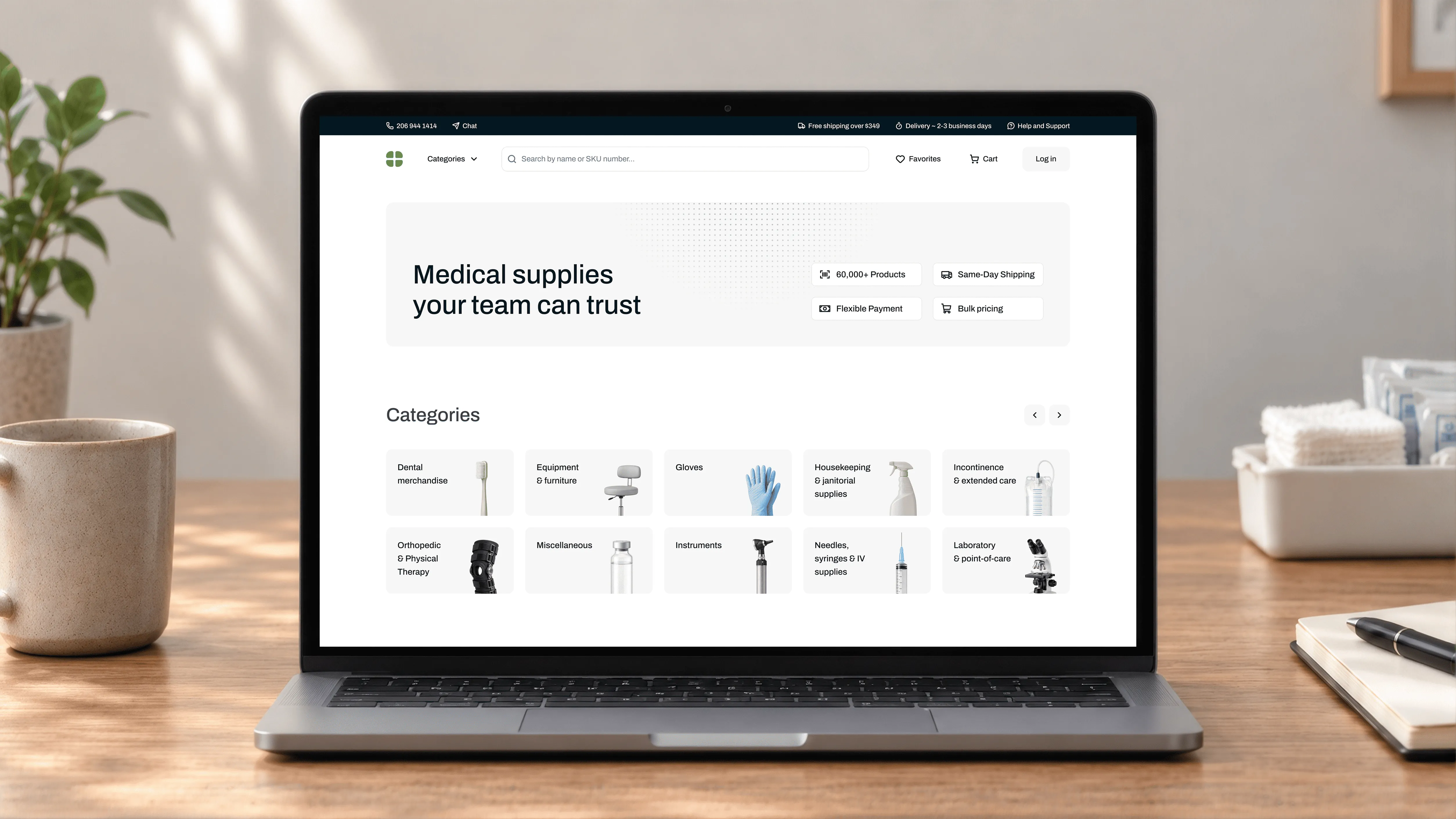
The skill raises the floor on what agents produce. It won't replace a designer on complex products. If your team needs designers in the loop, not just agents, that's what we do.

ABOUT THE AUTHOR
Darek Berendt head shot
Darek Berendt
Director of Product Design at Zypsy
Share this article

Related Articles

Omakase Branding: What to expect
Six Zypsy brand applications, including ZettaJoule, DelightX, Tutor and Podium websites and app screens

Blog

All

10
.
02
.
2026

Omakase Branding: What to expect

2026-10-02
Brand strategy agency for growth-stage companies

Work with us

All

10
.
02
.
2026

Brand strategy agency for growth-stage companies

2026-10-02

Frequently Asked Questions

What is the Zypsy product design skill?

The Zypsy product design skill is a free, open-source behavioral instruction file that teaches AI coding agents how to approach product design systematically. Instead of only generating visuals, it shapes how an agent reasons about UI structure, information hierarchy, component choices, copy, and AI-specific features.

How is it different from a style guide?

A style guide describes how things should look. The Zypsy product design skill describes how to decide. It encodes reasoning: what to ask before designing a flow, which states every screen needs, and how to handle errors without losing a user's work. That makes it portable across brands rather than tied to one visual language.

Who is it for?

Developers building their own products, designers working in AI coding tools, and design-aware founders and PMs who want structurally sound output instead of generic AI patterns.

How do I install the Zypsy product design skill?

In Claude Code, run /plugin marketplace add zypsycom/product-design-skills, then /plugin install zypsy-product-design-skills.

‍

In Cursor, clone the repo into your skills folder with git clone https://github.com/zypsycom/product-design-skills.git ~/.cursor/skills/product-design-skills, then open Customize, go to Skills, and look for zypsy-product-design.

‍

For any other agent, run npx skills add zypsycom/product-design-skills. Skills installed in Cursor or with npx need to be updated manually.